
Scan either way
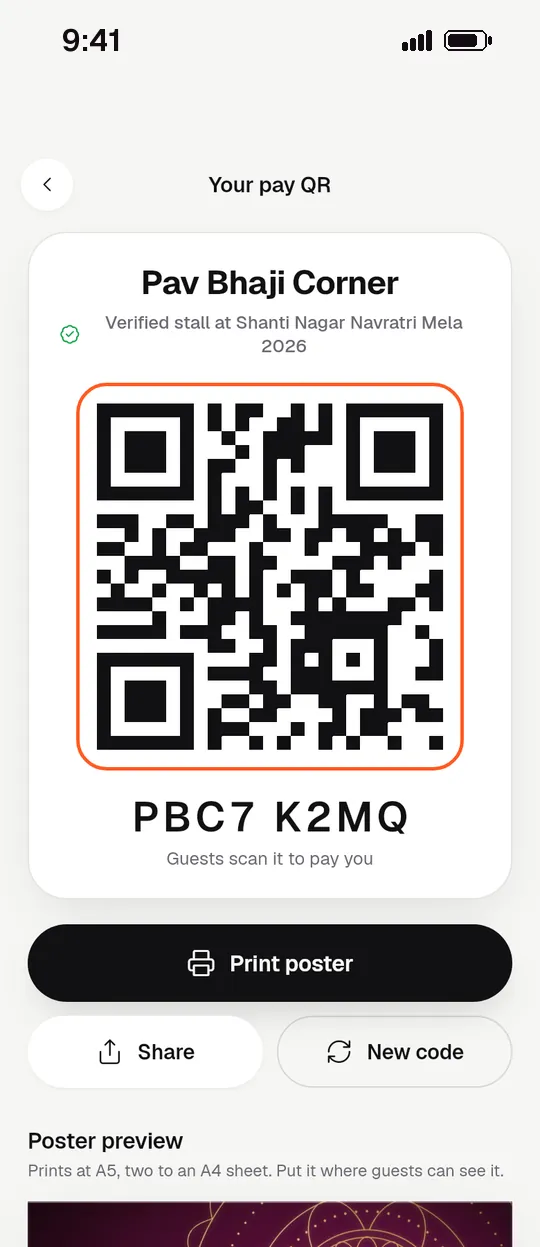
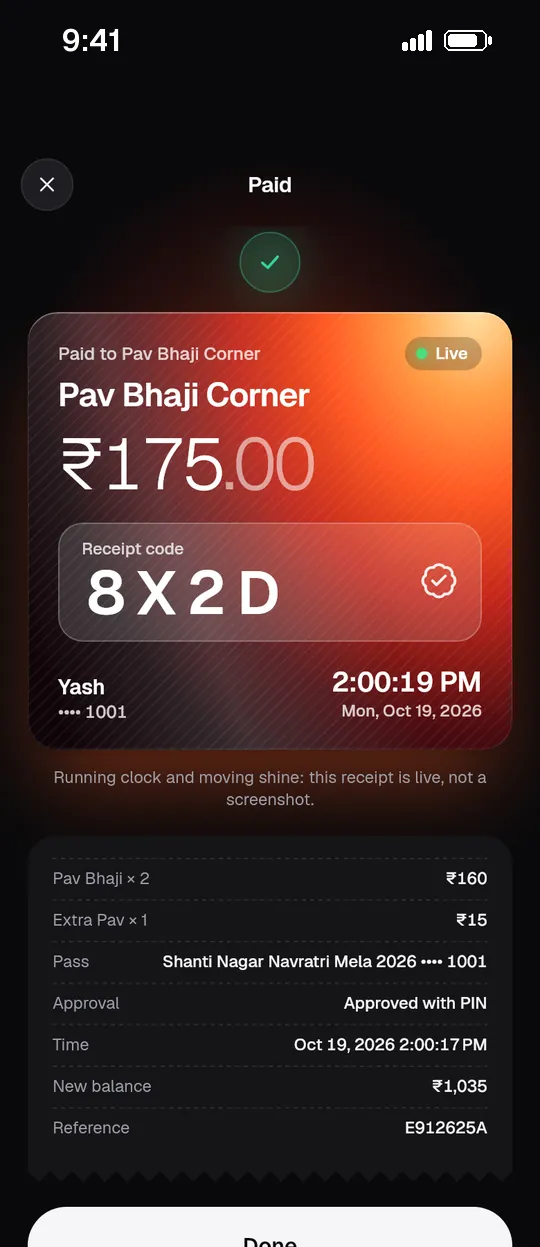
Guests scan the stall’s QR poster, or the stall scans the guest’s QR. The guest code rotates every 30 seconds and works once, so a screenshot is useless to anyone else.
Digital tokens for melas, fairs & canteens
Mela ka token, ab phone pe.
Guests top up once by UPI or cash and pay every stall with a scan. Stalls hear “₹80 received”. You watch the whole ground live — and leftover balance goes back on its own.


How it works

Guests scan the event poster and add money by UPI, or pay cash at the counter. Family members get their own sub-passes.

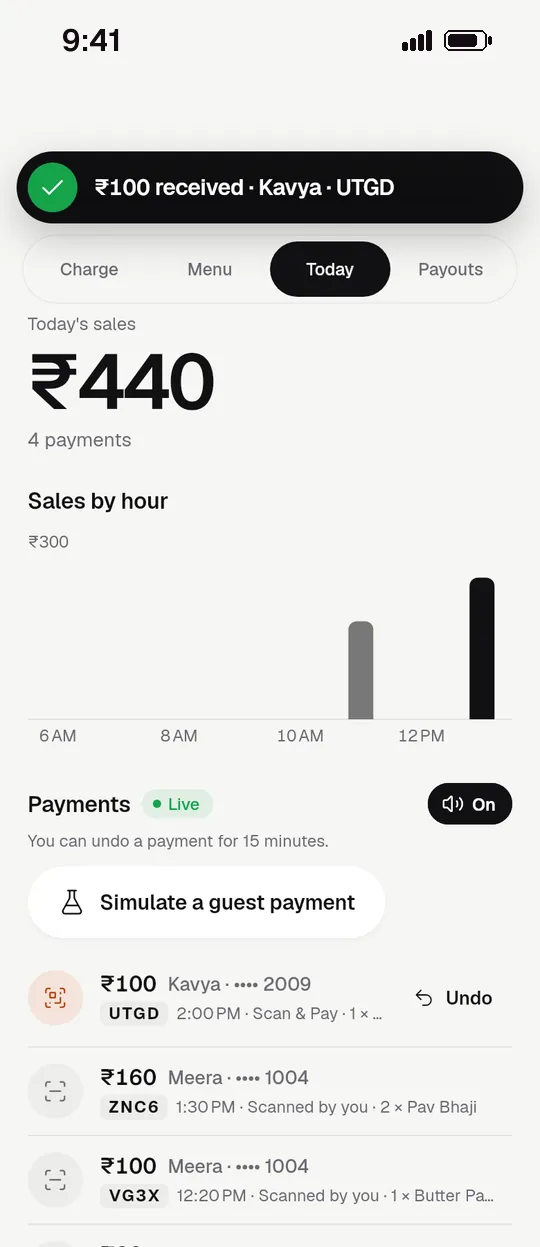
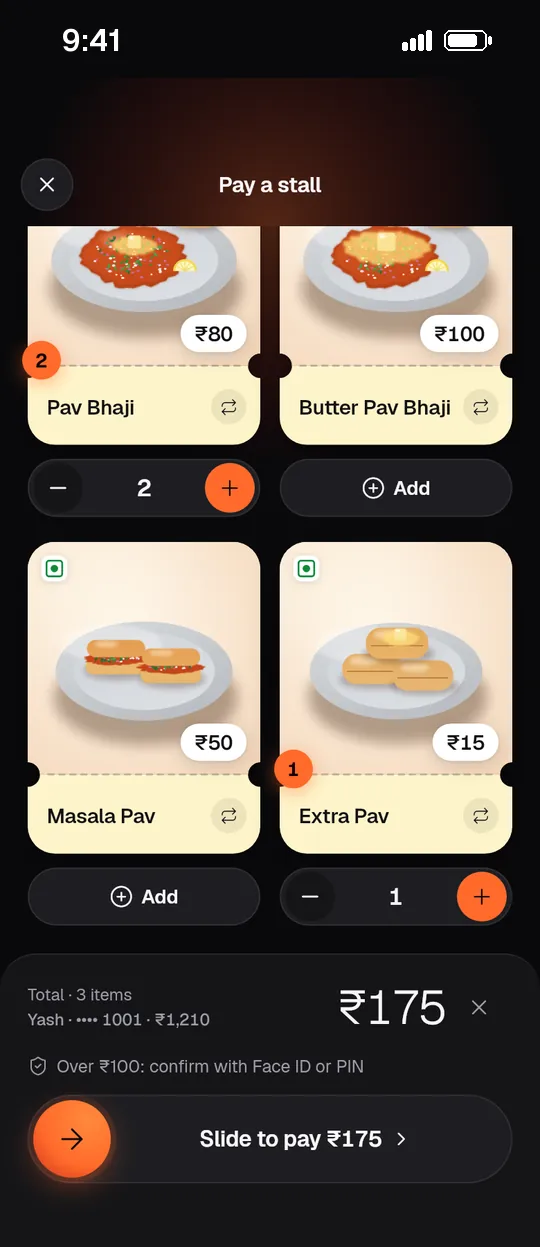
At any stall, scan the stall’s QR or show yours. Tap an NFC band if you have one. The stall hears “₹80 received” in a second.

When the mela closes, unused balance is refunded to the UPI it came from — or donated, as the organizer announced up front.
Features
Weak network, loud music, a thousand guests and forty stalls. Every feature here exists because a real mela needs it.
Guests scan the stall’s QR poster, or the stall scans the guest’s QR. The guest code rotates every 30 seconds and works once, so a screenshot is useless to anyone else.
Any UPI app at the poster, or cash at the counter with a drawer count at the end of the shift.
Every payment is announced aloud on the stall phone, in English, Hindi or Marathi.
Skip approvals for small payments for a few hours. Bigger ones still ask for Face ID, fingerprint or PIN.
Give each child a sub-pass with a daily limit. Freeze it, top it up or move money between passes.
Secure wristbands for kids and rides. Tap the stall phone to pay — no phone needed.
Network gone? Stalls keep charging from a signed snapshot with safe caps, and sync when it’s back.
Refund to source, donate or forfeit — chosen before the event and shown to guests before they top up.
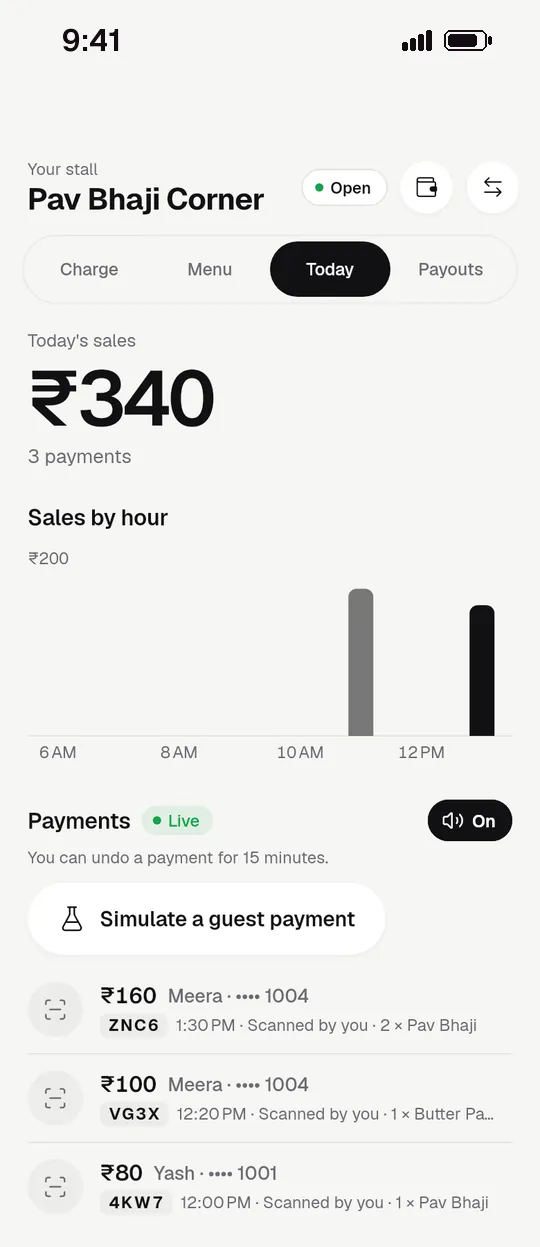
Top-ups, sales by stall and by hour, low-balance guests — every number opens the transactions behind it.
Event posters, stall pay QRs, A5 tent cards and A3 banners, in the languages you choose.
Printed QR cash cards from the counter, protected by a PIN, for elders and guests without smartphones.
Where it works
Fun fairs & melas
Rides, games and forty food stalls on one token. No cash box at every counter.
Housing societies
Garba nights and ten days of utsav stalls. One pass per family, with sub-passes for the kids.
Schools
Parents load money, children pay with a band or card. Daily limits, live spend alerts, no lost coins.
Colleges
Pro-nights, food courts and merch stalls. Student volunteers run counters from their own phones.
Outlet mode
Prepaid passes, table QR codes, stamp cards and offers that bring guests back.
Outlet mode
Employer coupon programs load each member monthly, with statements for every counter.
For organizers

For stalls
For guests
Guests pay nothing to Tokenwala. Organizers pick a plan.
₹0Try it on a real event
₹2,999per event
₹999per month
₹24,999per year
Launch pricing — subject to change. Prices exclude GST. Guest top-ups go straight into your own payment-gateway account, and the gateway’s own fees apply. Any platform fee on a plan is invoiced monthly and never deducted from your takings.
FAQ
Tokenwala is built as a closed-loop token system. A pass works only at the stalls or counters of one event or outlet. It can’t be withdrawn as cash, sent to a bank, or spent anywhere else, and it earns no interest.
Guest top-ups are paid straight into the organizer’s own Razorpay or Cashfree account. Tokenwala is the software; it never holds, pools or settles guest money. RBI’s rules on prepaid payment instruments treat closed-system instruments very differently from open wallets.
We are having this structure reviewed by a fintech lawyer before live launch, and organizers remain responsible for their own GST, permissions and local rules. This answer is general information, not legal advice.
The organizer chooses a leftover policy before the event, and guests see it before they top up:
Stalls keep taking payments. The stall phone works from a signed snapshot of passes with safe per-pass caps, and everything syncs as soon as signal returns. Offline payments are stored on the phone in a real database, so clearing the app can’t lose them.
If the guest’s phone is the one offline, they simply show their pass QR and the stall scans it.
No. Scanning the event poster opens a web wallet that can top up, pay, show the balance and receive refunds. The Android and iPhone app adds Face ID and fingerprint approvals, Quick Pay and wallet passes.
Parents can create family sub-passes with daily limits and blocked items. Children can pay with an NFC band. The cash counter can print QR cash cards, protected by a PIN, for anyone without a phone.
Stalls see every sale live. At close, Tokenwala prepares a settlement statement for each stall, with your commission, and you pay out from your own account. Mistakes can be undone within 15 minutes.
Guest QR codes are signed, rotate every 30 seconds and work once. Bigger payments need Face ID, fingerprint or PIN. Quick Pay has caps and switches itself off on a new device or unusual activity. A lost phone can be frozen from the web. Every rupee moves through a double-entry ledger, reconciled nightly against the gateway and cash drawers.
The app runs in English, हिंदी and मराठी, and posters print in the languages you pick. This website is in English and हिंदी.
From the ground
We’re running pilot events now. Real words from organizers, stalls and guests will appear here — these cards are placeholders, not quotes.
An organizer’s story will go here after our first pilot event.
A stall owner’s words about closing the day without counting cash.
A parent’s take on family passes and getting leftover money back.
Set up your first event free. Invite stalls with one code, print the posters, open the gates.
Start free